



How to log in to Gmail using the Confirm your recovery email option.
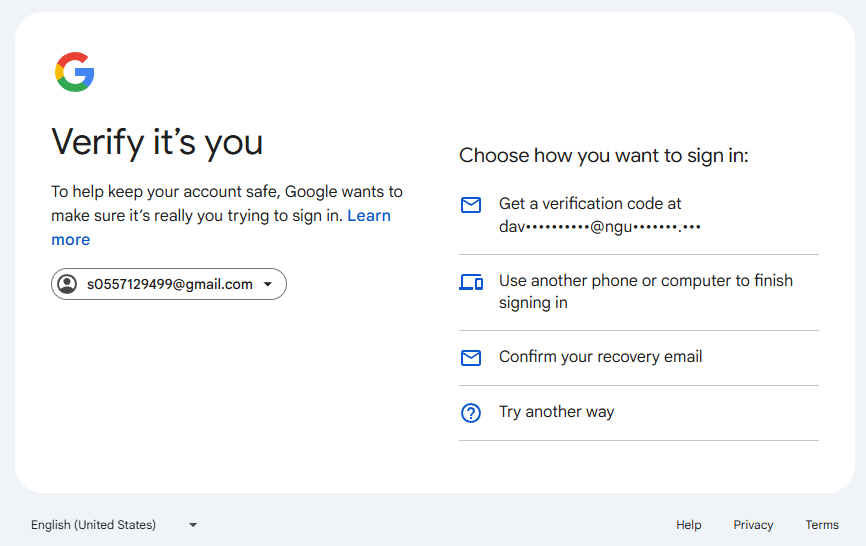
How to log in to Gmail using the Confirm your recovery email option.
15/12/2025
535 views
1 min read
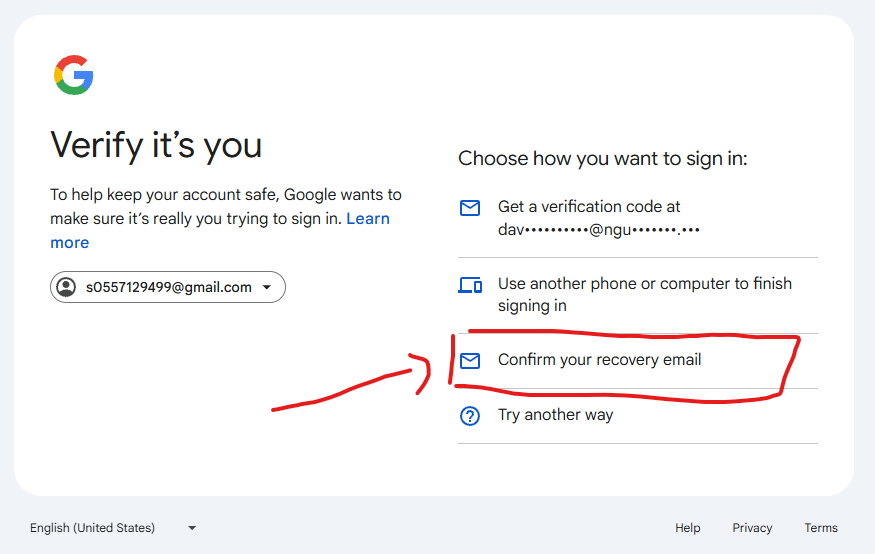
(After logging in and reaching this step, select: "Confirm your recovery email")
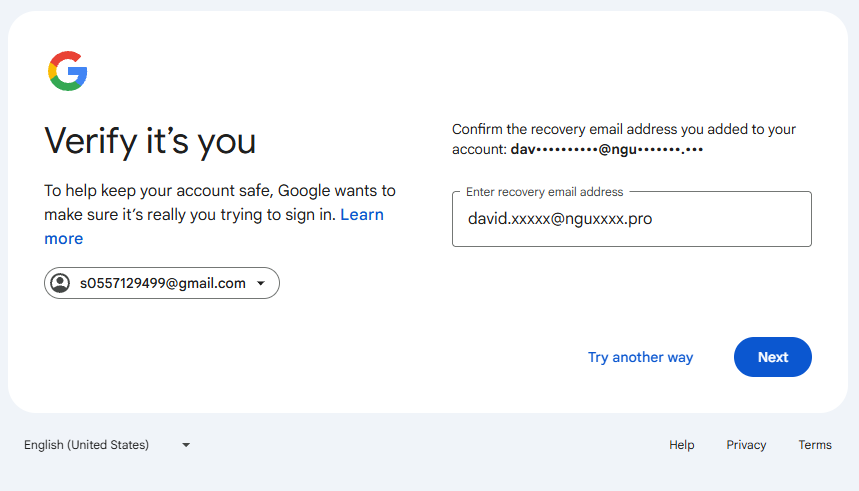
(Enter your recovery email address in your order.)
After successfully logging in, you can change your recovery email address and verify your account.
Recent posts

Guide to Using Facebook Business Manager (BM) Links
363
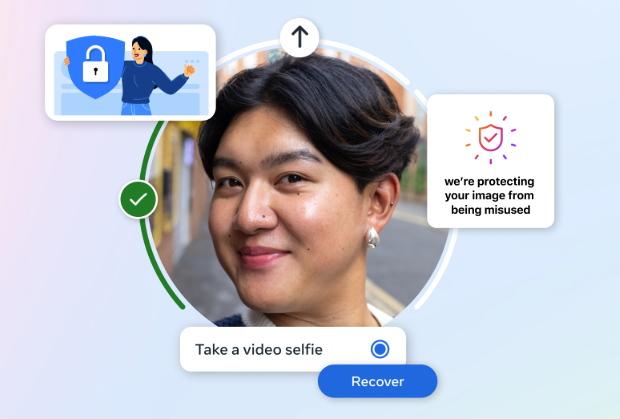
Facebook Asking for Video Selfie: Causes, How to Handle It & How to Prevent Account Death
1,134
Video showing how to log in to your PayPal account correctly
547
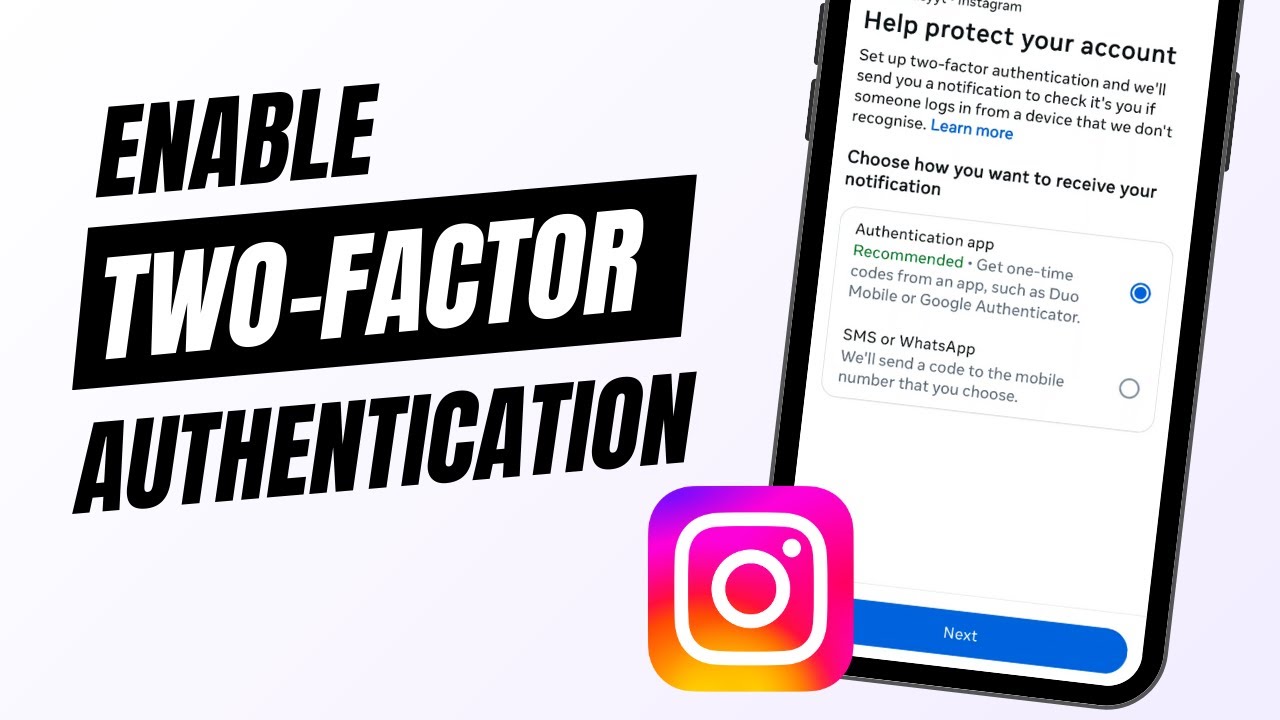
How to enable 2FA 2-step verification for Instagram account
647
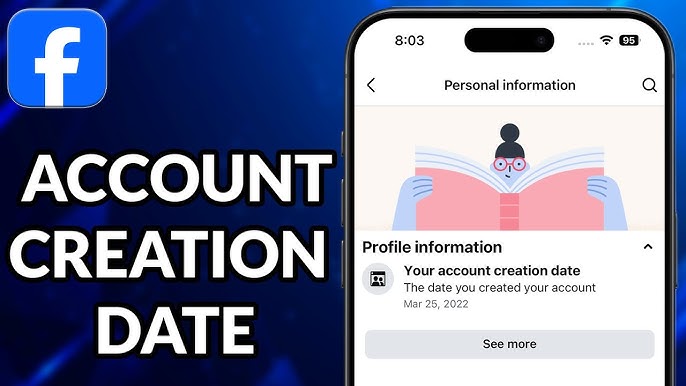
Tips to check personal Facebook account creation date quickly and accurately
767
Most viewed
- How to Log In Facebook Account (Updated 2025) 30,157
- How to buy accounts on Accmoon ? Step-by-step instructions 10,173
- Solution to fix disabled account after adding payment 9,928
- How to safely change your Facebook account password 9,656
- Fix account being disabled after adding a card that doesnt hold funds successfully 8,079