



Video showing how to log in to your PayPal account correctly
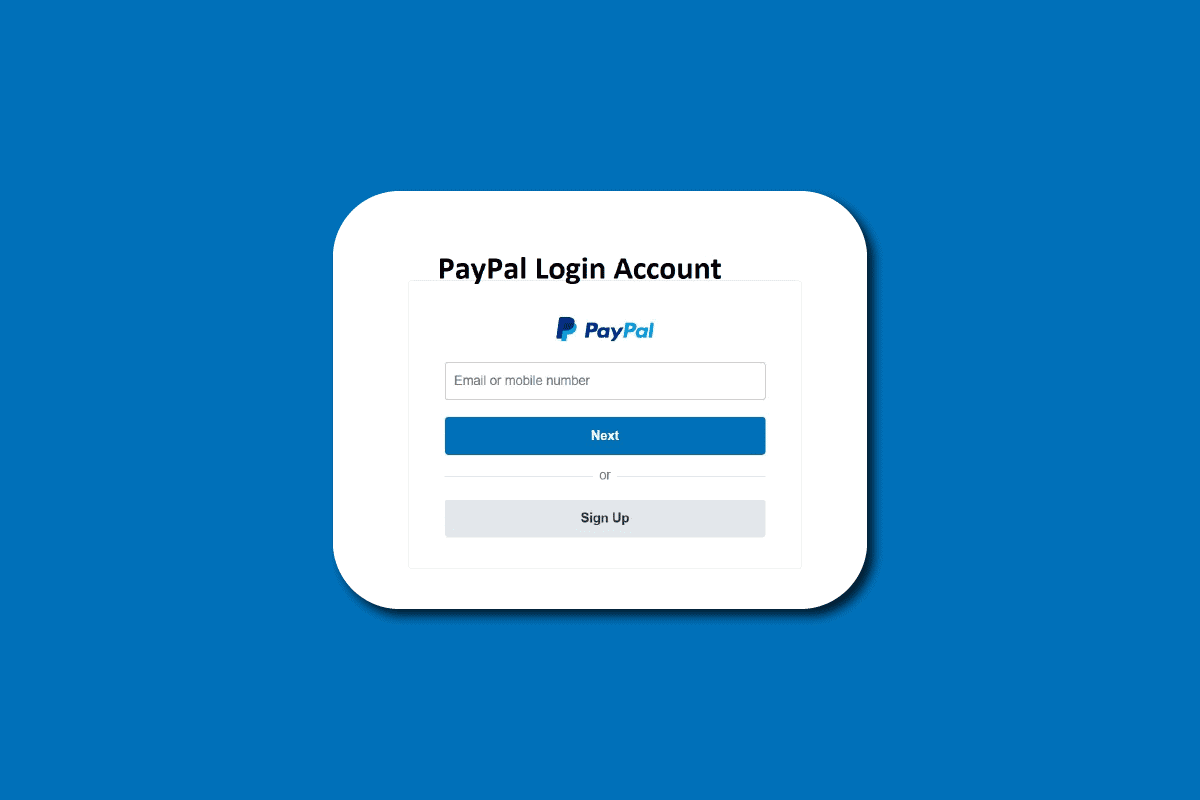
Video showing how to log in to your PayPal account correctly
16/12/2025
546 views
1 min read
How To Login Correctly:
1. Create a new Chrome profile.
2. Sign in to your Gmail account and turn on sync for that profile.
3. Once syncing is complete, log in to your PayPal account as usual.
- Do not enable 2fa. Do not log in to spam IPs or IPs that previously had a banned account.
*Extentions: Cookie-Editor https://bit.ly/3JiGhvd (In the Document Link there is a login Cookie.)
Recent posts
Guide to Using Facebook Business Manager (BM) Links
363
Facebook Asking for Video Selfie: Causes, How to Handle It & How to Prevent Account Death
1,134
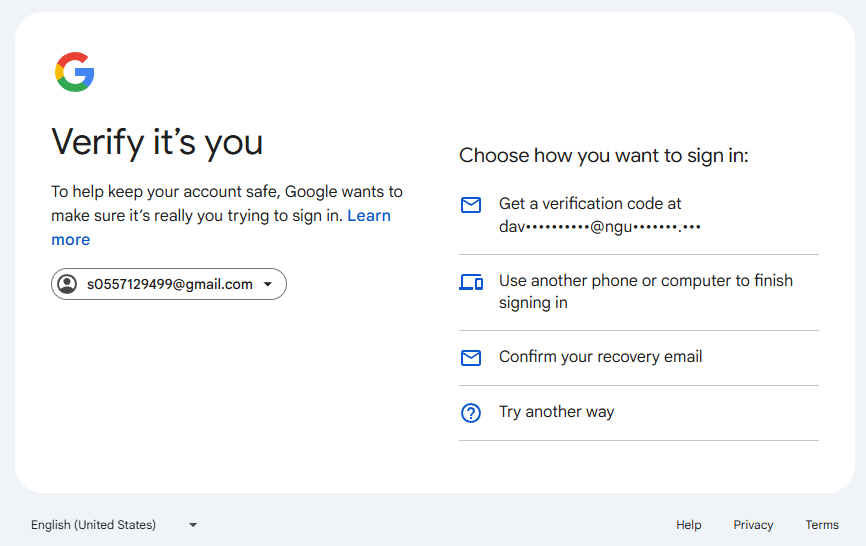
How to log in to Gmail using the Confirm your recovery email option.
535
How to enable 2FA 2-step verification for Instagram account
647
Tips to check personal Facebook account creation date quickly and accurately
767
Most viewed
- How to Log In Facebook Account (Updated 2025) 30,157
- How to buy accounts on Accmoon ? Step-by-step instructions 10,173
- Solution to fix disabled account after adding payment 9,928
- How to safely change your Facebook account password 9,656
- Fix account being disabled after adding a card that doesnt hold funds successfully 8,079