



How to Send Cryptocurrency to an Individual with Binance Pay
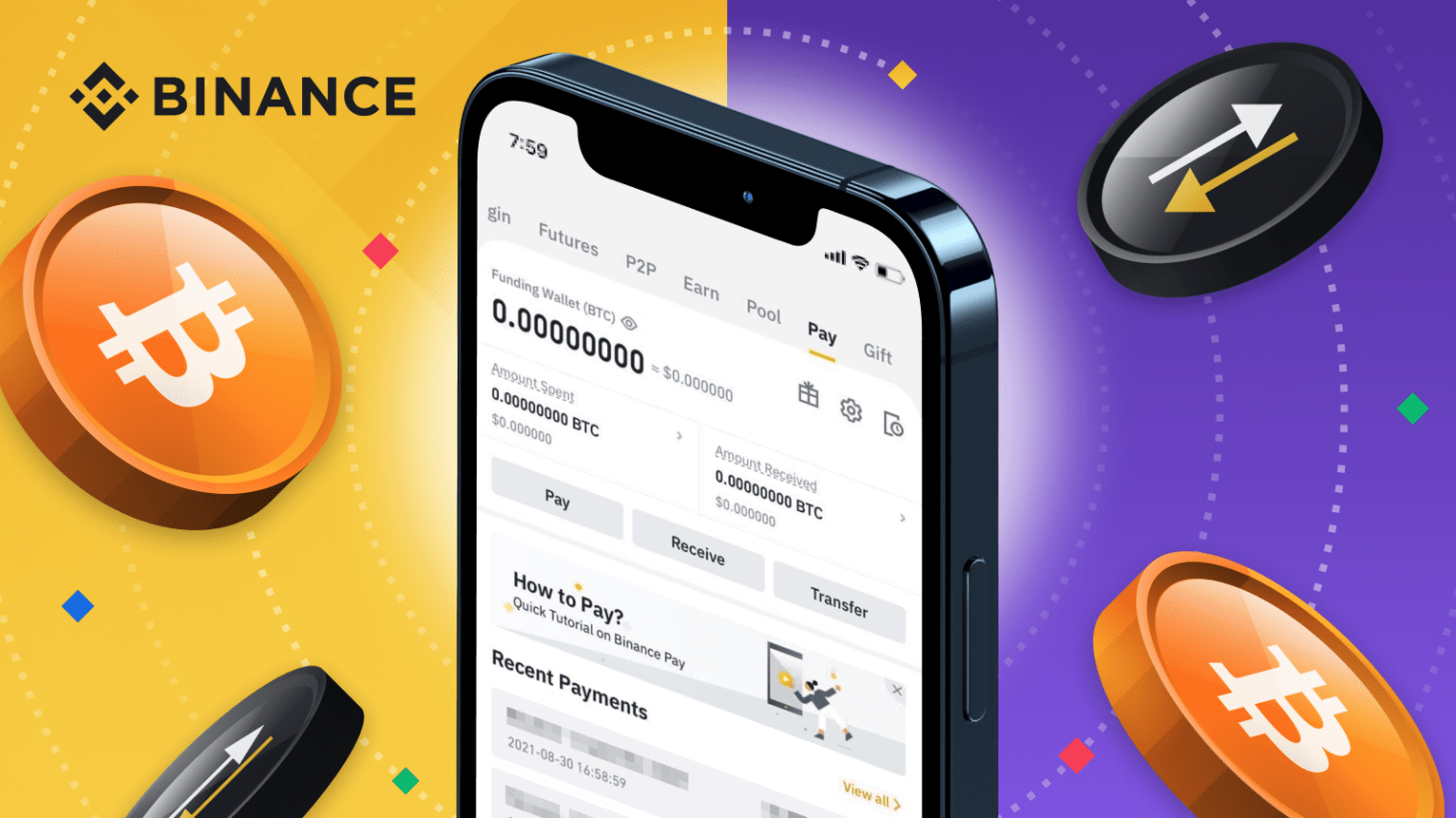
How to Send Cryptocurrency to an Individual with Binance Pay
To pay someone via these payment methods, you need their Binance account’s email, phone number, or Binance ID(UID).
1. Log in to your Binance app and go to [Pay] - [Send].


2. You can paste or manually enter the other party’s Binance account email, phone number, or Binance ID. Tap [Continue].

3. Enter the payment amount and notes (if any) for this payment. Tap [Continue].

4. Check the payment details carefully before tapping [Confirm]. You can tap [Wallet] to choose the funds to utilize for this payment.

5. Enter your Pay PIN or complete 2FA to verify the payment. Please note that your Pay PIN will be locked upon 5 incorrect attempts. In case your Pay PIN is locked, you can try again after five hours.
6. The payment amount will be deducted from your wallet balance.
Recent posts

Most viewed
- How to Log In Facebook Account (Updated 2025) 30,157
- How to buy accounts on Accmoon ? Step-by-step instructions 10,173
- Solution to fix disabled account after adding payment 9,928
- How to safely change your Facebook account password 9,656
- Fix account being disabled after adding a card that doesnt hold funds successfully 8,080