



How to strongly increase the security of your Hotmail account
How to strongly increase the security of your Hotmail account
03/07/2023
4,261 views
1 min read
The following article we guide you on how to increase the security of your Hotmail account, avoiding unauthorized attacks on your account.
Setp 1: After successfully logging into your Hotmail account, go to account information security settings.
- Links can be used: https://account.live.com/proofs/manage/additional
Step 2: Proceed to add the recovery email with your personal email (Can be Gmail, hotmail.. Email you often use), Then delete the old recovery email (email 2 attached in the order getnada, vomoto....)
After adding your Personal Email as the recovery email for the account (Blue circle). Proceed to delete the old recovery email (circled in red)
Step 3: Proceed to "Sign Out" from all trusted devices.
Complete!
Recent posts

Guide to Using Facebook Business Manager (BM) Links
363
Facebook Asking for Video Selfie: Causes, How to Handle It & How to Prevent Account Death
1,135
Video showing how to log in to your PayPal account correctly
547
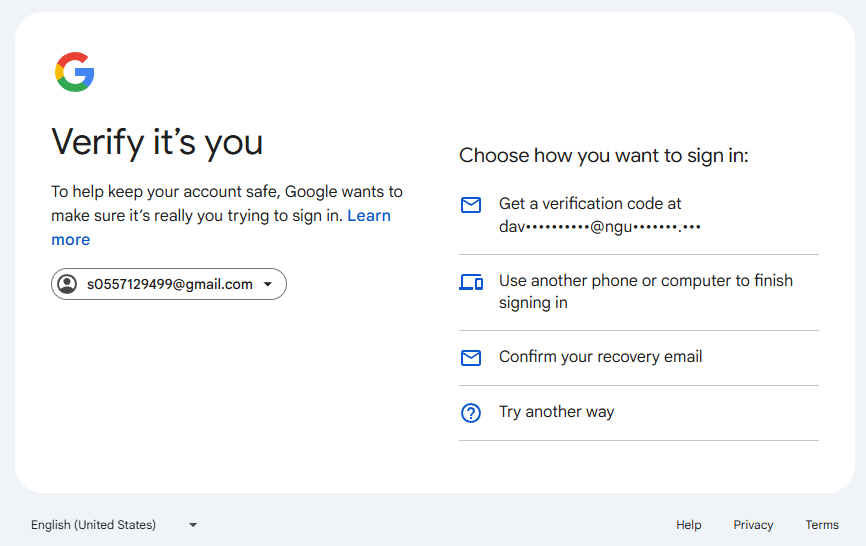
How to log in to Gmail using the Confirm your recovery email option.
536
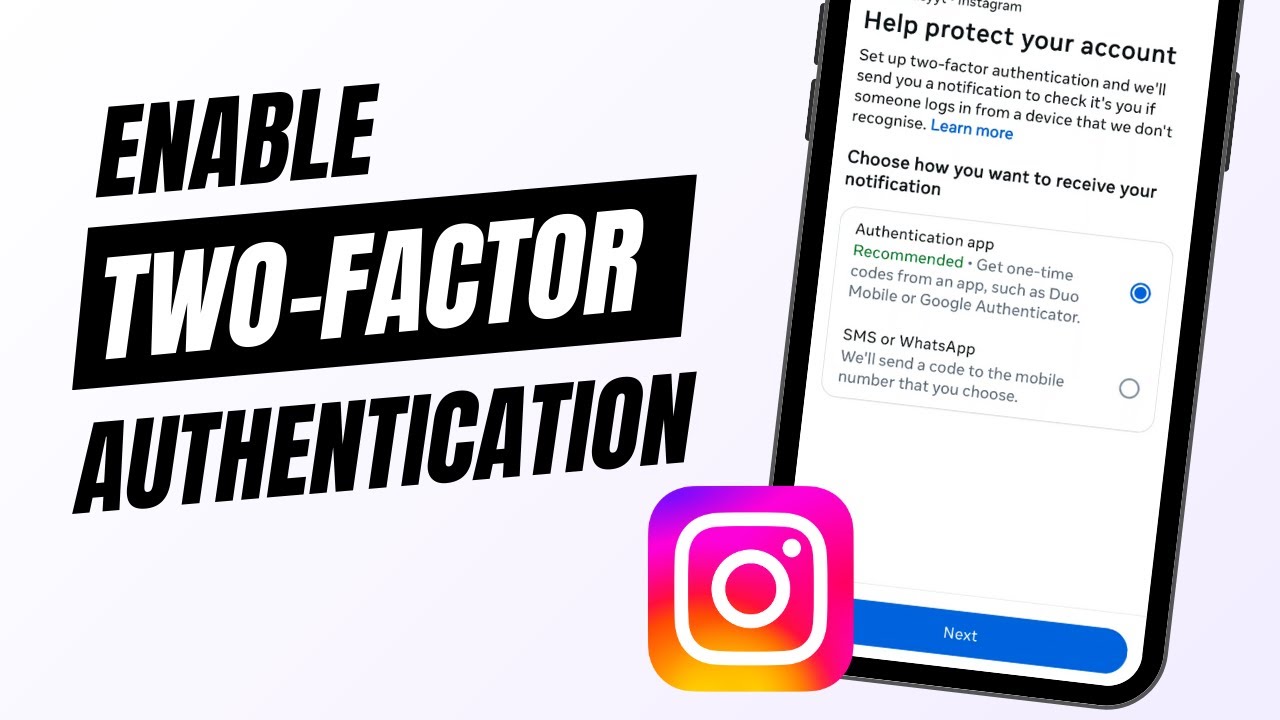
How to enable 2FA 2-step verification for Instagram account
648
Most viewed
- How to Log In Facebook Account (Updated 2025) 30,157
- How to buy accounts on Accmoon ? Step-by-step instructions 10,173
- Solution to fix disabled account after adding payment 9,928
- How to safely change your Facebook account password 9,656
- Fix account being disabled after adding a card that doesnt hold funds successfully 8,080